Is it up to date?
TL;DR
If your social profiles still say what you did two years ago, you’re probably missing out on new clients.
I’ve helped business owners fix this fast. In this article, I show you how to update your profiles so they reflect what you offer now and make it easier for people to connect with you. You’ll get a checklist, a smart way to use AI, and a few examples that can save you time. This is one of the simplest ways to boost your visibility without creating anything new.

You already know the importance of attracting clients, right?
But here’s a question:
When was the last time you updated your social media profiles?
If you can’t remember or it’s been a while, you’re missing an easy win for improving your visibility and attracting more clients.
It’s easy to set it and forget it. Believe me, I’m guilty of doing that.
Then, one day, I take a minute to see what it says and realize it’s out of date, could tell a better story, isn’t focused on the clients I want to attract, or the links need to be updated…
Your business evolves. You evolve.
You get the picture.
So, while this isn’t a ninja visibility hack, it’s a reminder:
Take a few minutes one day this week to look at all your social media profiles. Make tweaks and updates to reflect best who you are, what you do, and who you serve now.

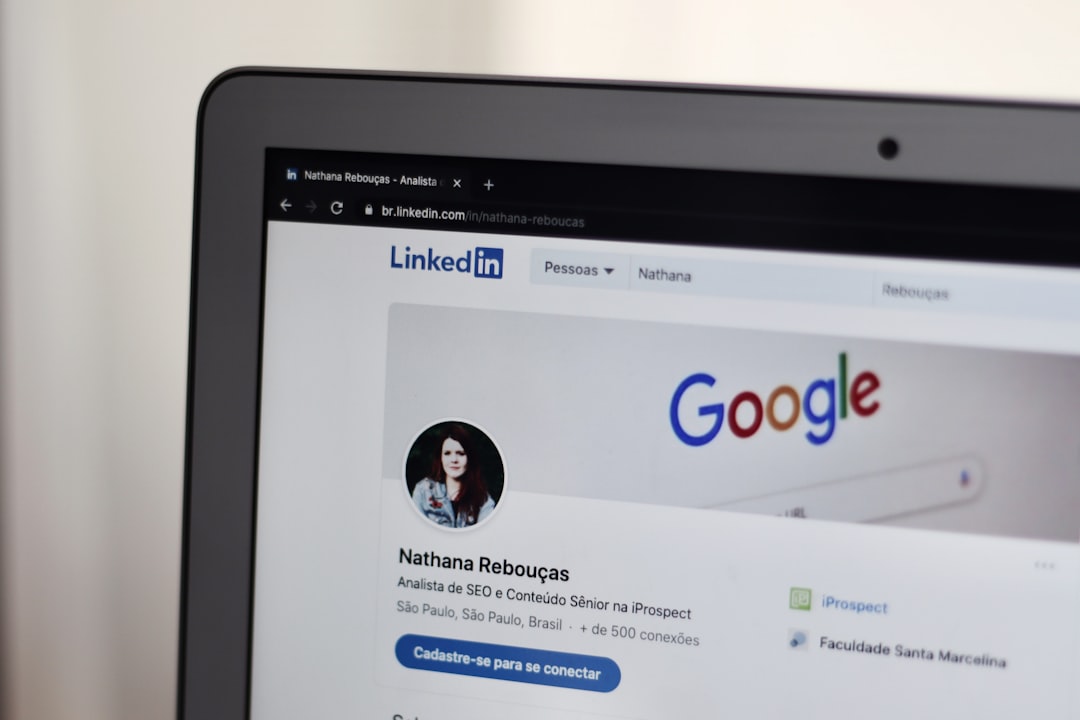
When someone hears about you for the first time, they often head straight to your social media profiles. Whether it’s LinkedIn, Facebook, Instagram, Substack, TikTok, or another platform, this is your chance to make a great first impression.
A stale or outdated profile can be a turn-off for potential clients.
Conversely, a well-crafted, current profile shows professionalism, expertise, and confidence.
You want potential clients to see exactly what you offer, how you can help them, and why they should stick around. An outdated profile can confuse or turn people away, while a current, relevant one gives people a reason to click “follow” or “connect.”
Take Action: Update Your Social Media Profiles
Updating your profiles can seem like a chore, but it doesn’t have to be complicated. For each social platform you and your ideal clients spends time, review the following and make changes as necessary;
- Profile Picture: Use a recent, high-quality photo that reflects your personality or brand. People connect with faces, not logos (unless you’re a bigger brand).
- Bio or Headline: Make this short but punchy. Clearly state what you do and who you help. Be specific! For example, “I help solopreneurs increase online visibility with actionable AI strategies” sounds much more appealing than “Marketing Expert.”
- Links: Make sure your website, lead magnets, or any other call-to-action links are working and visible. Don’t let clients get lost in the internet maze trying to find you.
- About Section: Refresh this section to include the latest results you’ve achieved for clients, any new services you offer, or any qualifications you’ve gained. Be authentic and focus on how you solve your clients’ problems.
- Pin Important Posts: Platforms like Facebook, Instagram, and Twitter (X) let you pin a post to the top of your profile. Use this space to highlight your latest offer, free guide, or upcoming event to drive more visibility to your core content.
- Cover image: Update the “hero” or cover image to reflect your current brand or offers.
Experiment with AI to Help You Craft Better Profiles
You don’t have to do all the work yourself. Let AI help you craft the perfect bio or update the wording on your profile. Here’s a prompt you can use to make it easier:
AI Prompt: Write a concise, professional bio that showcases my expertise in [your field], highlights the specific value I offer to [your target audience], and ends with a clear call to action. Keep the tone engaging but straightforward.This AI prompt can help you brainstorm ideas or tweak the wording to sound more polished and aligned with your brand voice. You can also adjust it for your different profiles.
Another option is to include the URL for your website’s About Page and have your AI tool draft multiple bios for you to review.
Tip » I suggest creating a document you keep on file with multiple versions of your bio in various word counts, which you can easily copy and paste on your social media accounts.
You can use them when invited to be a podcast guest or guest blogger.
I have had a running list of bio versions for years. As my business evolves, I update both long—and short-form bios to have on hand when I need them.
What Else Should You Know?
When updating your profiles, remember to stay consistent across platforms. You want clients to recognize your brand no matter where they find you.
Also, make a habit of checking in on your profiles every couple of months. It’s not a one-and-done task. Your business evolves, and so should your profiles.
And don’t forget: engaging regularly on your updated profiles is just as important as keeping them up to date. Post updates, share client successes, and interact with your audience. This keeps your profile active and boosts your chances of showing up in searches.
A simple update to your social media profiles can be a positive shift for attracting more clients. It’s easy to overlook, but once you make those updates, you’ll see how a little effort here can go a long way in improving your online visibility.
Your turn: What’s the one thing you will update on your profile today? Let me know in the comments. I’d love to hear what changes you’re making. Also, post a link to your profile on the social network of your choice so I can learn about what you’re up to!
This article was originally published on Your Visibility Ege.
This article is a powerful reminder that outdated profiles can cost us opportunities. I love the practical checklist and the tip to keep multiple bio versions ready—it’s such a time-saver! Updating links, images, and pinned posts really does boost visibility. Thanks for highlighting how small tweaks can make a big impact on attracting clients!