A Step-by-Step Mini-Guide Using AI
Are you a solopreneur looking to build an effective email list? One of the essential tools you’ll need is a well-crafted opt-in page.
Recently, during a meeting of the AI Success Club, I demonstrated how I created an opt-in page by leveraging ChatGPT. This mini-guide will walk you through the entire process, from transforming your content into a PDF to generating compelling headlines and call-to-actions.
Below is the video, and below the video is an article crafted from the transcript (and yes, I got help from ChatGPT4o to organize the information so it reads better than the transcript).
The Need for an Opt-In Page
An opt-in page, or a landing page, collects user information in exchange for a valuable resource. In this case, a checklist from a previous program proved to be an excellent lead magnet.
High-converting opt-in pages must demonstrate value and provide a strong reason for visitors to leave their contact information. The primary components include a headline, a subheadline, a brief description, bullet points outlining benefits, and a clear call to action.
Step 1: Preparing Your Document
From Google Doc to PDF
The starting point of our journey was a checklist existing as a Google Doc. The first step for seamless integration with ChatGPT is to save your Google Doc as a PDF. Unfortunately, ChatGPT doesn’t support direct Google Doc uploads but accepts PDFs. Ensure your document is clean and concise to facilitate easier analysis by the AI.
Step 2: Uploading the PDF to ChatGPT
Uploading your PDF to ChatGPT is straightforward. Open a new chat and use the paper clip command to upload your document.

Note: Uploading documents is only available with the paid version of ChatGPT. Never fear, though. If you’re using the free version, you can copy and paste the content of your document into the prompt.
Then, I used the following AI prompt:
“I need an opt-in page to give away the uploaded checklist. Please analyze the content of the document, then give me the following: a headline with a strong hook, a subheadline with a benefit statement, 2-3 sentences on how this will help solopreneurs build an email list, 3-5 strong bullet points in the format ‘feature so that you can benefit,’ and a call to action that includes the main benefit.”
Step 3: Fine-Tuning the AI Response
Initial AI Output
ChatGPT provided a comprehensive draft, including headlines, subheadlines, a short description, bullet points, and a call to action. Here’s the prompt and output from ChatGPT.
However, the immediate output may not always meet your expectations. For example, the headline “Unlock Your Email Marketing Potential” seemed generic and overused. “Unlock” has become ubiquitous, often hinting at AI-generated content.
Customizing the Output
To get better results, I asked ChatGPT for ten more variations for the headline and instructed it to review my custom instructions, which included a list of words I preferred not to use. This capability allowed for a more tailored and refined output aligned with my style and preferences.
Step 4: Building the Opt-In Page
Adapting the Provided Content
While ChatGPT’s suggestions were a good starting point, adaptation was necessary. I combined elements from different suggested headlines and tweaked them to better fit my voice.
For example, the few sentences describing the checklist and its benefits to solopreneurs weren’t taken verbatim. Instead, I adjusted them to fit the tone and message I wanted to deliver more closely.
Adding Visual Elements
In addition to well-written copy, your opt-in page will benefit significantly from visual elements. An engaging header image, relevant icons, and clean design can increase user engagement. I created an image using Canva, that resonated with the checklist’s content and added it to the opt-in page.
Step 5: The Final Touch
Crafting a Strong Call to Action
Your call to action (CTA) is critical. In my case, I used, “Download the free checklist and enhance your newsletter promotions for better engagement and growth.” This statement clearly articulates the benefit and what action the visitor needs to take next.
Reviewing and Adjusting
Lastly, a thorough review of the entire opt-in page is essential. Ensure all elements flow well together and check for any errors. Make sure the CTA button works and the lead magnet is correctly linked so it can be downloaded.
Here’s the link to the completed opt-in page.
Creating an effective opt-in page with ChatGPT or whatever AI tool you prefer can help solo business owners save time and create better content that converts.
Following these steps, you can build a high-converting page that adds value and grows your email list. Remember, while AI can significantly streamline the process, your personal touch and customization will set your page apart.
Final note: Creating an opt-in page is just one piece of the system you need to implement to deliver a lead magnet and build your email list.
If you’re wondering, here are the tools I use when I create the system to deliver a lead magnet:
- MailerLite for email broadcasting, automation, delivering the link for download, and landing page templates
- ChatGPT for brainstorming and creating draft copy for the optin page
- Canva for creating images
- Descript for video editing
- Castmagic for drafting copy for social, newsletters, and much more with pre-loaded prompts
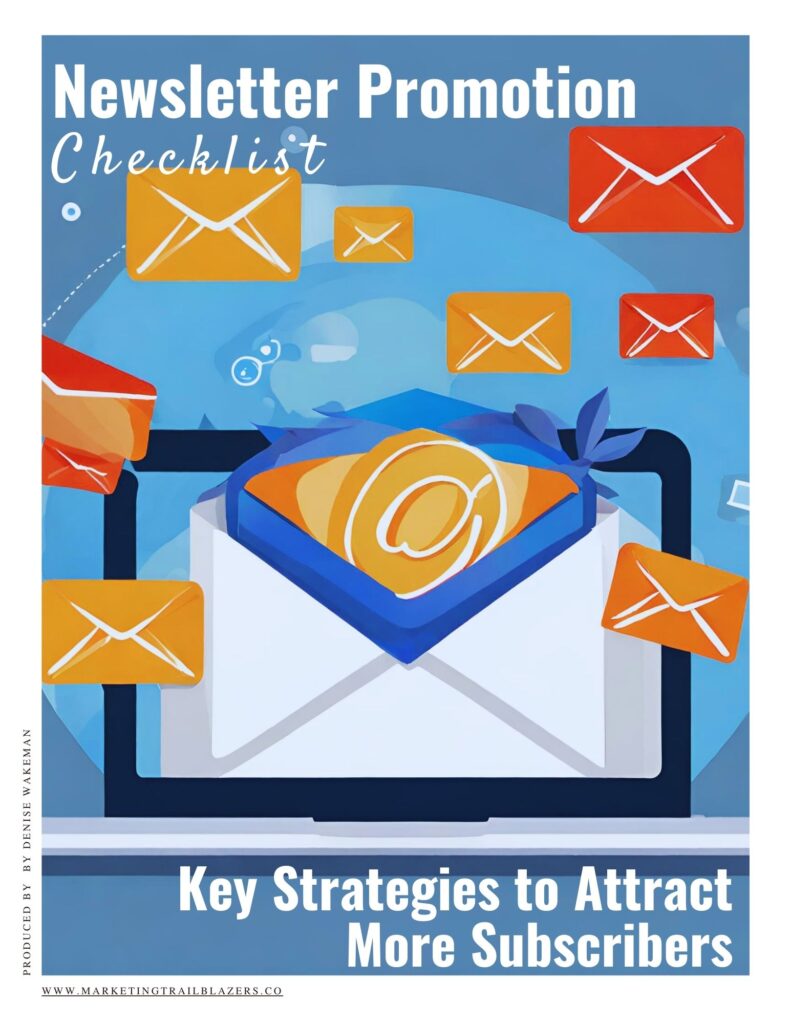
Here’s a comprehensive checklist ready to help you succeed with your list building.
Recommended
How to Build a Strong Foundation for Your Email List
Blog header photo by kaleb tapp on Unsplash

Outstanding — very clear and implementable. I love the way you demonstrated how to take the AI result to make it your own. And this has gotten me thinking about ways to get AI’s help in other kinds of page content. Thank you!
Thank you, Elizabeth. And yes, there are a lot of ways this prompt or example could be used for other pages on a website.
Brilliant and you make the steps so easy to follow the bouncing ball til it’s done!
Thanks, Judy! Any project you’re thinking about adapting this process for?